Web Hosting Gold Coast

Lightning-fast WordPress hosting, looked after.

Managed WordPress hosting, support and maintenance from the Gold Coast: Sydney cloud servers, daily backups, security updates and a local team you can ring when something breaks.


Wesbites hosted
700+

Wesbites hosted

5 star reviews
100%

5 star reviews

Years in business
20+

Years in business

WordPress Hosting & Support
Wesbites hosted
700+

Wesbites hosted

5 star reviews
100%

5 star reviews

Years in business
20+

Years in business

WordPress Hosting & Support

Hosting run by the team that builds the sites

Thrive hosts and looks after more than 600 WordPress websites, most of them sites we designed and built. We run our own cloud servers on Amazon Web Services and Vultr in Sydney, set up and monitored by our own developers rather than resold from a third party, so when something needs fixing there is no middleman and no ticket queue in another time zone.

Managed WordPress hosting means the server, the updates, the backups and the security are our job, not yours. WordPress support and maintenance means that when you need a change made, a plugin sorted or a problem solved, you ring Burleigh Heads and talk to someone who knows your site.

What is in a hosting and support plan

Managed cloud servers

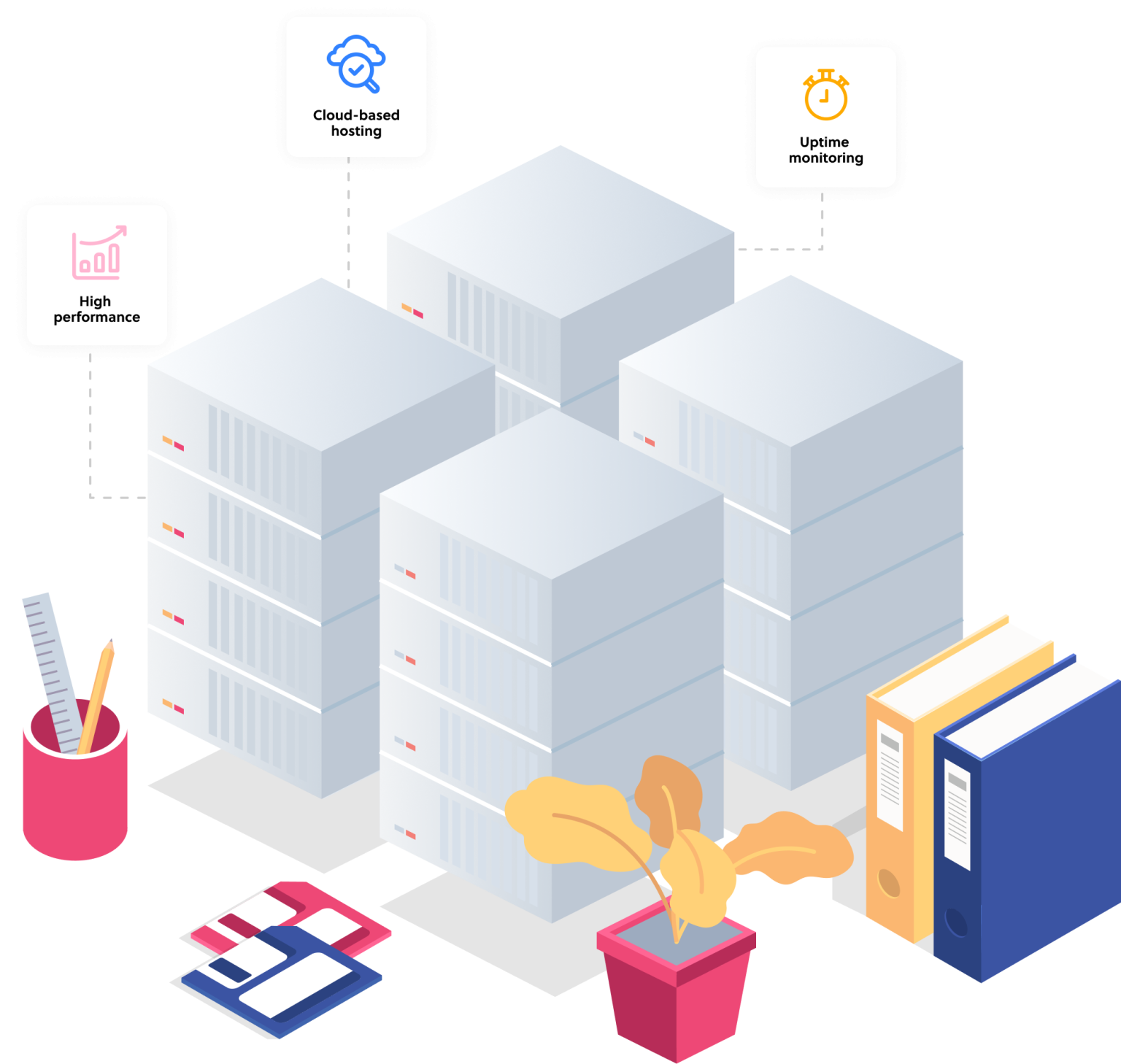
Sydney-based AWS and Vultr servers tuned for WordPress, with the option of servers and a CDN closer to overseas audiences.

Security and updates

WordPress core, theme and plugin updates applied and tested, security hardening, anti-spam, and monitoring for repeat attacks.

Daily and weekly backups

Automatic backups to a separate remote server, kept so a site can be restored to a known good state quickly.

Uptime and performance monitoring

Real-time monitoring so we usually know a site is down or slow before you do, and act on it.

Local support

Email and phone support from our Gold Coast office, with an after-hours line that reaches the on-call team for urgent problems.

SSL, speed and small changes

SSL certificates set up and renewed, performance tuning, and help adding content or changing WordPress settings.

When something breaks

Hosting is judged on the bad days. Here is what happens on one.

  • You tell us. Email support@thriveweb.com.au or call (07) 5535 0063 and the office puts you straight through to the right person.
  • Often we already know. Monitoring flags a site that is down, slow or under attack, and we are usually working on it before the call.
  • After hours, the line stays open. Our after-hours call centre takes the call and forwards urgent problems to whoever is on call.
  • We fix the cause, not the symptom. Server, code, database, plugin conflict or a hack, our developers have seen it on hundreds of sites and know where to look.

Day-to-day support, like adding content, changing settings or sorting a plugin, is included in your plan. Larger changes are quoted as a small project, and we will always tell you which is which before starting.

WordPress Hosting & Support

Moving your site to Thrive

Most of the sites we host were built by us, but we take on WordPress sites built elsewhere every month. Migration is a one-off, quoted job: we copy the site to our servers, check it works, point the domain across and watch it for the first days.

Your site stays live on the old host until the new one is proven, so visitors do not notice the move. On arrival we run the same checks we give every site: updates, security, backups, performance and anything the previous host left undone. If the site needs more than a tidy-up, our $49 Speed Boost or a quote from the WordPress web design team picks it up from there.

How the plans work

Hosting and support is a monthly plan, billed on a simple schedule, with the server, updates, backups, monitoring and everyday support included. The plans differ by the size and traffic of the site and the amount of support time included, so a small brochure site and a busy online store are not paying for the same thing.

We do not publish the prices on this page because the right plan depends on the site. The pricing PDF below sets out each plan and what it includes, and a quick look at your site is enough for us to recommend one.

WordPress Hosting & Support

"Exactly the site we wanted and it’s so easy to update ourselves. The ongoing support is awesome too. A team of absolute pros."

Josh Hamilton

Josh Hamilton

Creative Director, The Edit Suite

Got questions?

WordPress Hosting & Support FAQs

How much do you charge for WordPress hosting and support?


Plans are priced by the size and traffic of the site and the support time included, billed monthly. We do not list prices here because the right plan depends on the site, but the Hosting & Support Pricing PDF below sets out every plan and what it includes, and we will recommend one after a quick look at your website.

Do you manage your own servers?


Yes. We run and monitor our own WordPress cloud servers on Amazon Web Services and Vultr in Sydney. Nothing is resold from a third-party host, so we have full access to fix problems and tune performance without waiting on anyone else.

How are backups managed?


Every site is backed up automatically on a daily and a weekly schedule to a separate remote server, so a backup is never lost with the site it belongs to. If something goes wrong we restore to the last known good copy, and you can ask for a copy of your backups at any time.

What is covered by support, and what is a project?


Everyday support is included: keeping WordPress, the theme and plugins updated, fixing something that has stopped working, adding content, changing settings and answering questions. New pages, new features, redesigns and large content jobs are quoted separately as small projects. If a request sits on the line we tell you before we start.

How do we request support?


Email support@thriveweb.com.au, which goes straight to the support team, or call the office on (07) 5535 0063 and we will put you through to the right person.

Do you have support after hours?


Yes. Outside office hours an after-hours call centre answers the phone and forwards urgent problems, such as a site being down or compromised, to the on-call member of our team. Non-urgent requests are picked up the next business morning.

Can you move my existing WordPress site to Thrive?


Yes, we migrate sites from other hosts regularly. Migration is a one-off job with a fee, quoted once we have seen the site. We copy it across, test it, switch the domain and keep the old host live until the new one is proven, so there is no downtime for visitors.

How many websites do you host?


More than 600 WordPress sites at any one time, from small business brochure sites to busy online stores. That volume is why our team recognises most problems quickly: we have usually seen them before.

Do you host sites near my target audience?


Our main servers are in Sydney, which is the right place for an Australian audience. For sites with overseas customers we can host closer to them or add a content delivery network so pages load quickly everywhere.

Can you manage sites with high traffic?


Yes. We have managed sites through large traffic spikes and ongoing high volumes, with server upgrades, caching, and code and database optimisation as needed, backed by real-time monitoring and after-hours phone support.

What should I look for when choosing a WordPress host?


Expert support first: a team that knows WordPress and, ideally, your site. Then server speed and location, how backups are done and where they are kept, how security updates are handled, and what happens after hours. Price last, because a cheap host costs more the first time something breaks.

Download our Hosting & Support Pricing PDF

Freebie

Download our Hosting & Support Pricing PDF

"*" indicates required fields

This field is for validation purposes and should be left unchanged.

This site is protected by reCAPTCHA and the Google Privacy Policy and Terms of Service apply.

READY TO START A PROJECT?

Let's do this!
160+ customer reviews