A good business website should look distinctive, load quickly and be easy to update. That’s why we prefer custom designed blocks built for the native WordPress editor over a general purpose page builder.
Elementor, Divi, WPBakery and other DIY page and block builders make it possible to build a website without writing code. That’s a useful option for someone building their own site without a developer. Elementor and Divi both promote this no-code approach.
Our view is that agencies selling custom website design and development shouldn’t rely on these DIY builders as their standard approach. When you hire an agency, you should be paying for the expertise to design and build around your business, with control over the code, performance and editing experience.
Our approach combines custom design with the editor already built into WordPress. You get reusable sections designed for your business, with straightforward controls for everyday updates.
The practical benefits of our custom WordPress blocks:
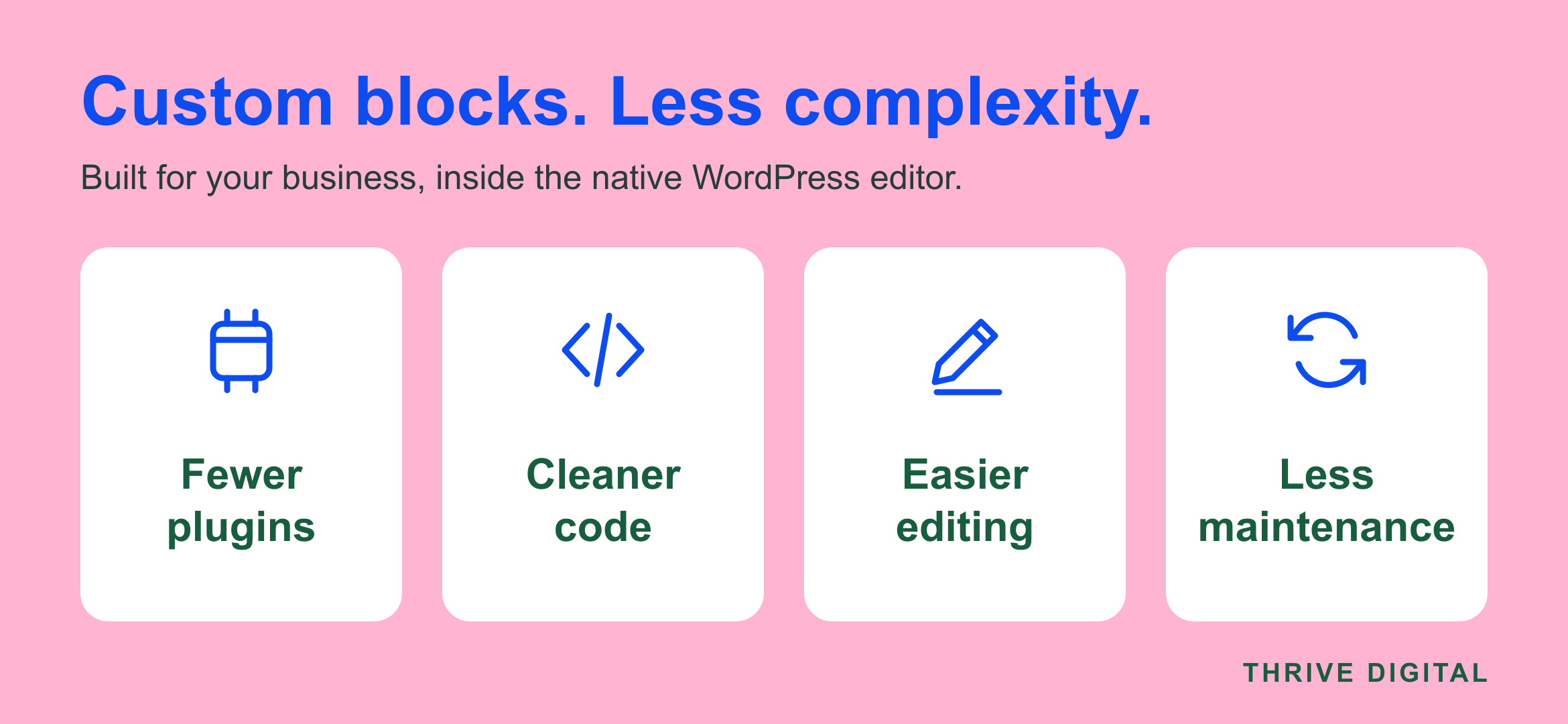
- Fewer plugins: less reliance on a page builder and extra add-ons for everyday layouts.
- Fewer ongoing plugin costs: less to spend on premium builders, paid add-ons and licence renewals.
- Cleaner code: focused HTML, styles and scripts built around your design.
- Faster loading: less unnecessary code to load, giving us a leaner starting point for performance.
- A better foundation for SEO: clear headings, crawlable content and control over page performance support search optimisation.
- A better foundation for AI search: accessible text and clear structure help AI search systems read and interpret your content.
- Easier editing: straightforward controls for changing text, images and links.
- Consistent design: reusable sections keep new pages aligned with your brand.
- Fewer compatibility problems: fewer builder add-ons that can conflict with your theme, other plugins or WordPress updates.
- Less work keeping things up to date: fewer separate tools to update, test and troubleshoot.
- Fewer potential security weak points: removing unnecessary plugins reduces the third party code that needs monitoring and security patches.
These benefits depend on how the site is built. Custom blocks don’t guarantee faster pages, higher rankings or AI recommendations. Useful content and sound technical SEO still matter, as Google’s guidance on AI search explains.
What are custom WordPress blocks?
Blocks are the sections you use to assemble a page in WordPress. A heading, image or paragraph can be a block. A custom block might be a service panel, testimonial, team profile, project gallery or enquiry section.
We design those sections to suit your website, then give you the controls you need to manage their content. For example, a service block can let you change its heading, photo, description and button link while keeping the spacing, typography and mobile layout consistent.
This is more than choosing a template from a large library. The design comes first, and the editing experience is built around it.
Why we prefer custom blocks to page builders
1Your website can look like your business
Page builders offer plenty of design options, but a long menu of options doesn’t automatically produce a distinctive website. Starting with your brand and content gives us room to create layouts that suit what you actually need to communicate.
Custom blocks carry that design through the site. Add a new service or testimonial and it can follow the same visual rules as the rest of your pages.
2Everyday editing is simpler
Changing a sentence shouldn’t require understanding nested containers, breakpoint settings or several layers of styling controls.
With a purpose built block, the important content fields are clear. You can replace a photo, update a price or change a button without rebuilding the section. Where useful, layout controls can be limited so routine edits are less likely to disturb the design.
There’s still a learning curve, but the goal is a smaller, more relevant set of choices for your team.
3There’s more control over performance
A general purpose builder needs to support many layouts and features. A custom block can be built around a much narrower task, giving us direct control over its HTML, styles and scripts.
WordPress supports loading registered block assets only when those blocks are present, when the theme and implementation support it. That gives developers a practical way to avoid loading unnecessary code. WordPress explains this in its block metadata documentation.
Native blocks aren’t automatically fast, and a carefully built Elementor or Divi site can perform well. Hosting, images, fonts, caching and development quality all matter. Our preference is to start with a focused build, then test and optimise the finished pages.
4The design stays consistent as the site grows
When every section has its own font, colour, padding and mobile settings, small differences can accumulate across a website.
A shared set of custom blocks makes consistency easier to maintain. Buttons, headings and content sections follow common rules, and changes to their shared styling can carry through wherever they’re used. Your team can focus on the content while the design remains coherent.
5There’s less to pay for, update and troubleshoot
A page builder can be only the beginning. You may need paid add-ons for a particular layout, extra widgets or features the main plugin doesn’t include. Those costs can accumulate, especially when several licences need renewing to retain updates and support.
Keeping that setup current takes work. Each plugin has its own release schedule, and updates need checking against your theme, WordPress and the other plugins on your site. When something breaks, working out which component caused it can be frustrating.
More overlapping tools also create more opportunities for compatibility problems. A builder update might affect an add-on, or two plugins might load scripts or styles that interfere with each other. Custom blocks reduce the need for that extra builder layer and its associated add-ons.
There’s a security consideration too. Every unnecessary plugin is more third party code to monitor and patch, and outdated or vulnerable plugins can put a website at risk. Removing tools you don’t need reduces those potential weak points. WordPress’s security guidance stresses the importance of keeping software current.
Custom code needs maintenance and security checks as well. Our blocks may use a custom theme, a site plugin or Advanced Custom Fields, and we still use suitable plugins for forms and ecommerce. The aim is a smaller, carefully maintained set of tools, with fewer recurring costs and less time spent chasing update problems.
6The editing experience follows WordPress
Building inside the native editor keeps everyday content work within WordPress’s own block system. It also reduces reliance on one builder’s interface and layout format.
That doesn’t make a custom website completely portable. Specialised blocks still need their supporting code, and changing themes may require design work. But using WordPress’s block standards gives future developers a familiar foundation to work with.
How does this compare with Elementor, Divi and WPBakery?
Elementor offers a broad visual editing system and a large collection of widgets. It also has performance improvements, including optimised HTML output. We prefer custom blocks when the priority is a tailored design with a focused editing experience.
Divi combines visual editing with its own design system. Older Divi builds used shortcodes, while Divi 5 moves compatible content to a newer format without shortcodes. It still has its own framework and migration considerations, so the version and modules used matter.
WPBakery uses a shortcode based approach for its content elements, as shown in its developer documentation. Moving away from that system can require rebuilding layouts and cleaning up builder shortcodes. We prefer starting new custom projects in the native editor.
The same concern applies to other DIY page and block builders that add a general purpose design system on top of WordPress. The distinction is between developing purpose built blocks within the native editor and assembling an agency website around a separate builder framework.
Should an agency use a DIY website builder?
For a project sold as custom design and development, we believe an agency should have the skills to build the layouts the business needs, rather than making a general purpose builder the foundation. The client should get a considered design, focused code and content controls that make everyday updates straightforward.
A limited budget or an existing builder website can call for a different approach. An agency should explain that choice, the dependencies it introduces and the ongoing costs. Using a builder should be a deliberate decision that serves the client, rather than a substitute for development expertise.
You don’t need to replace a working website simply because it uses a builder. But for a new custom website, or a redesign where editing and maintenance have become frustrating, native WordPress blocks are our preferred starting point.
The result we’re aiming for is straightforward: a website designed for your business, with an editing experience your team can comfortably use. If that’s what you’re looking for, talk to Thrive about your next website.