When someone asks ChatGPT or Google’s AI search a question about your industry, will your business be part of the answer? And if it is, will that person have a reason to visit your website?
AI SEO is the work of making your business easier to discover through AI search. For business owners, the useful goal is to attract relevant visitors who may enquire or buy. That starts with clear information, credible evidence and a website people can use.
Our approach is to improve the pages that help customers make decisions, then measure whether that work brings useful attention and enquiries.
What is AI SEO?
AI SEO means improving your website’s visibility in search experiences that generate answers, such as ChatGPT search, Google AI Overviews and AI Mode, and Microsoft Copilot. You may also hear it called generative engine optimisation, or GEO, and answer engine optimisation, or AEO.
People can ask a detailed question, compare options and follow up within the same conversation. An AI answer may mention businesses or link to pages that support its response. Those links can introduce people to your website.
A mention, a source citation and a website visit are different outcomes. Someone may read the answer without clicking. A useful AI SEO plan considers visibility alongside the traffic and enquiries it actually produces.
Google says its existing SEO practices still apply to AI Overviews and AI Mode. There is no separate technical checklist or special AI markup required for those features. The foundations of a useful, accessible website remain relevant.
Google’s guidance: https://developers.google.com/search/docs/appearance/ai-features
1Answer the questions customers ask before they buy
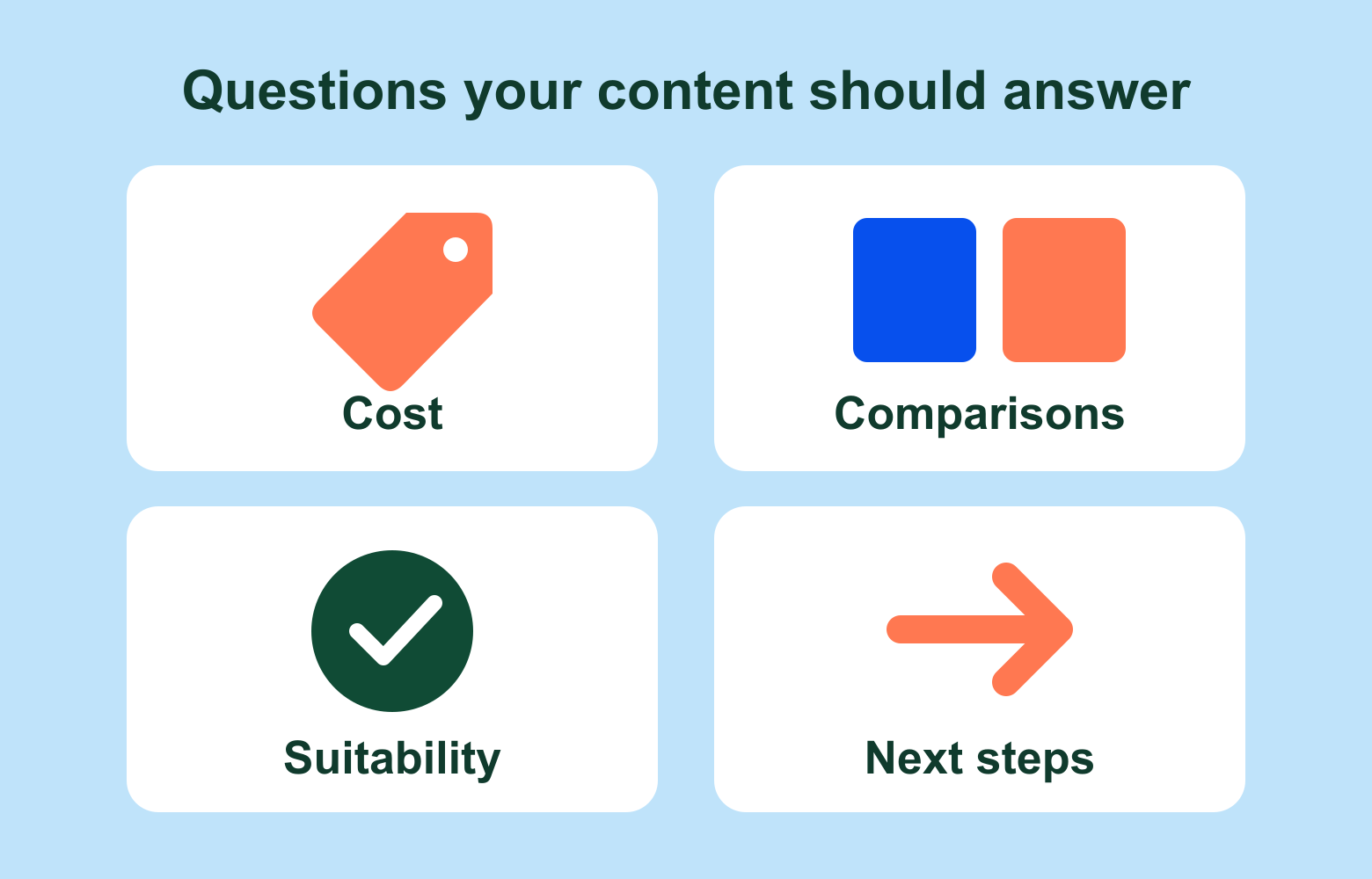
Start with the conversations you already have with customers. What do they need to understand before requesting a quote? What do they compare? What would make your service unsuitable for them?
For a web design business, useful questions might include:
- What affects the cost of a business website?
- Should I use Shopify or WooCommerce?
- Can I keep my existing website content during a redesign?
- What ongoing maintenance will my website need?
Give a direct answer near the beginning of the relevant section, then explain the details, trade-offs and exceptions. If pricing varies, explain what changes the price and what a customer should ask about.
We would usually improve an important service page before publishing another broad introductory article. That page can explain your offer, answer buying questions and give visitors a clear next step.
2Make each page clear enough to stand on its own
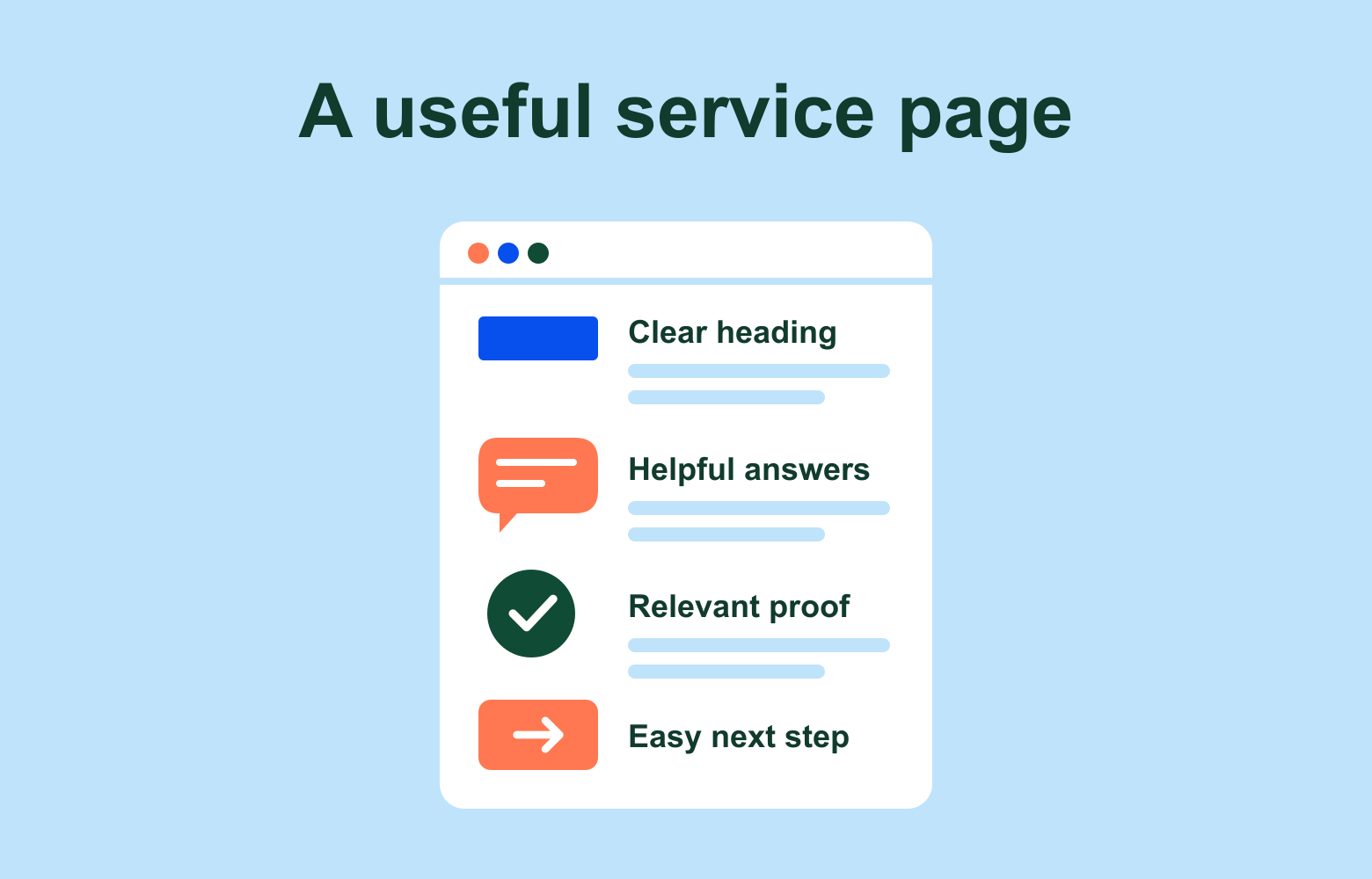
A heading such as “Our solutions” tells a new reader very little. “WordPress website design for small businesses” gives them a useful starting point.
Use descriptive headings and focused sections. Explain what you offer, who it suits, where you work and what is included. A comparison table can help when someone is choosing between options, while a short list works well for steps or inclusions.
Be specific about your business. Say which platforms you work with, which services you provide and which locations you serve. Keep those details consistent across your main pages, contact page and business profiles.
This is our recommendation for clearer communication, not a guaranteed formula for AI citations. It helps customers understand your offer, whichever search experience brings them to the page.
3Give people evidence they can assess
Generic claims such as “leading experts” are easy to write and difficult to evaluate. Show the work behind your advice.
Useful evidence can include:
- Original project photos, screenshots or demonstrations.
- Case studies explaining the problem, your work and the outcome.
- Named authors or reviewers with relevant experience.
- Customer reviews used with permission.
- Sources for factual claims, with dates or context where needed.
If you share results, explain how they were measured and avoid implying everyone will get the same outcome. If you compare products, make the differences useful and fair.
Google’s people-first content guidance encourages original information, clear sourcing and demonstrable experience. We think those are sensible standards for any page you want someone to trust.
Content guidance: https://developers.google.com/search/docs/fundamentals/creating-helpful-content
4Check that search systems can access your pages
Helpful information needs to be available to the systems you want to find it. Ask your developer to check your important pages for indexing problems, broken links and accidental crawler blocks.
For Google’s AI search features, a supporting page must be indexed and eligible to appear with a search snippet. Important information should be available as text, and any structured data should match what visitors can see. Google does not require special AI text files or a new schema type for inclusion.
ChatGPT search has its own access controls. OpenAI identifies OAI-SearchBot as its search crawler and recommends allowing it if you want your pages to appear in ChatGPT search results. GPTBot relates to model training, and its setting is independent. Allowing a search crawler does not guarantee that a page will be cited.
Your developer can review those controls against your business’s preferences. There is no need to open private pages or remove unrelated website protections.
OpenAI’s crawler documentation: https://developers.openai.com/api/docs/bots
5Give people a reason to visit your website
A short definition may answer a question completely within an AI response. Think about what your website can offer when someone needs more detail or is ready to act.
That might be an original case study, a useful calculator, a detailed comparison, a product demonstration or a clear explanation of how your service works. Choose something that helps your customers make a decision.
Once someone arrives, make the next step easy. Link to the relevant service or product, show how to enquire and test the process on a phone. Avoid making people work through a long introduction or several menus to find the information they came for.
We focus on building a strong answer and a useful destination for the people who need it.
6Track AI visibility, website visits and enquiries separately
Measurement needs a few different tools. Keep these three questions separate: is your business appearing, are people visiting, and are those visits helping your business?
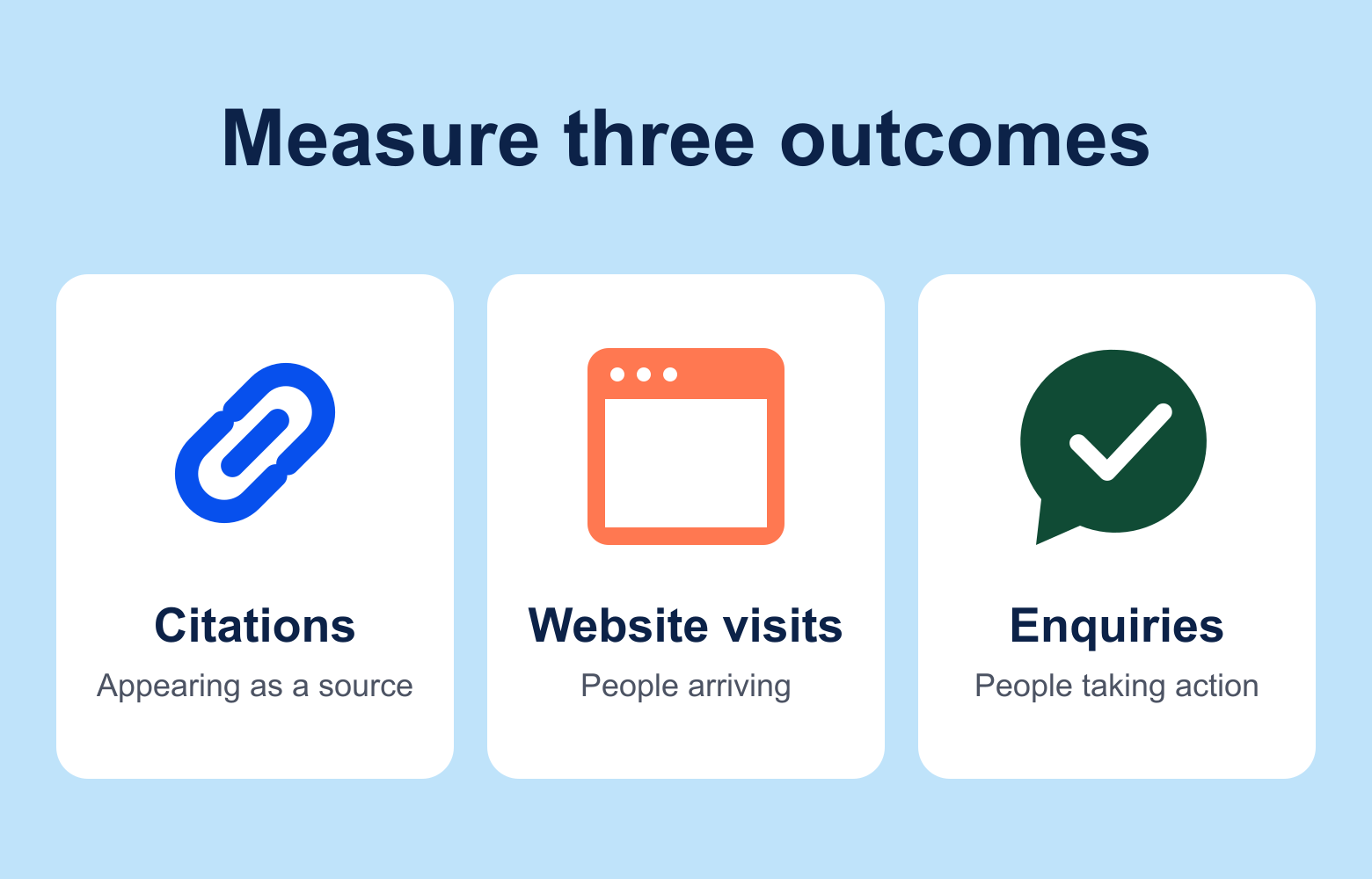
- Google Search Console: Google’s AI Overviews and AI Mode activity is included in its overall Web performance reporting. These figures should not be treated as a separate count of all AI visibility.
- Bing Webmaster Tools: Its AI Performance report shows citation activity across supported Microsoft and partner experiences. Citation counts measure appearances as a source, not website visits or enquiries.
- Google Analytics: Review traffic sources for identifiable referrals from AI services and track important actions, such as completed enquiry forms or purchases. Referral reporting will not capture every visit influenced by AI.
- Customer feedback: Ask new enquiries how they found you. Someone may discover your business through an AI answer and contact you later through another route.
Bing’s reporting guide: https://www.bing.com/webmasters/help/ai-performance-9f8e7d6c
Keep a record of the pages you improve and review trends over time. A single AI answer is a useful observation, but it cannot show how often everyone else sees your business. Answers and cited sources can vary between searches.
Your starting checklist for AI search traffic
- Choose one valuable service or product page.
- List the questions customers ask before choosing it.
- Add clear answers, useful comparisons and relevant evidence.
- Check that your business details are accurate and consistent.
- Ask your developer to review indexing and search crawler access.
- Make the path from the page to an enquiry or purchase straightforward.
- Track visibility, identifiable AI referrals and business outcomes separately.
No one can guarantee that an AI service will recommend your business or send you traffic. The practical starting point is to make your expertise easier to understand and your website more useful to the customers you want.
If you’d like help with that work, Thrive’s AI Search Optimisation service covers improving your business’s presence in AI search.